TrackSpotters App

Never forget ‘the’ spot at the track: find it, walk to it, and remember who was driving.

ROLE
Product design + admin build
TEAM
Me & Claude Code
TIMELINE
Currently in development
TOOLS
Figma · SwiftUI · Claude Code

120+tracks

230+teams

300+liveries

How I led the program

  1. GOALHelp motorsport photographers find the best spots, plan a walk, and know who was in the car in every shot.
  2. HOW I LEDMy own product, so I’m the whole team: I designed the app, built its admin, and set the rules for the data.
  3. THE PROCESSFrom sketches in Procreate to partnering with Claude Code, I shaped a flow that follows a detailed step-by-step to final.
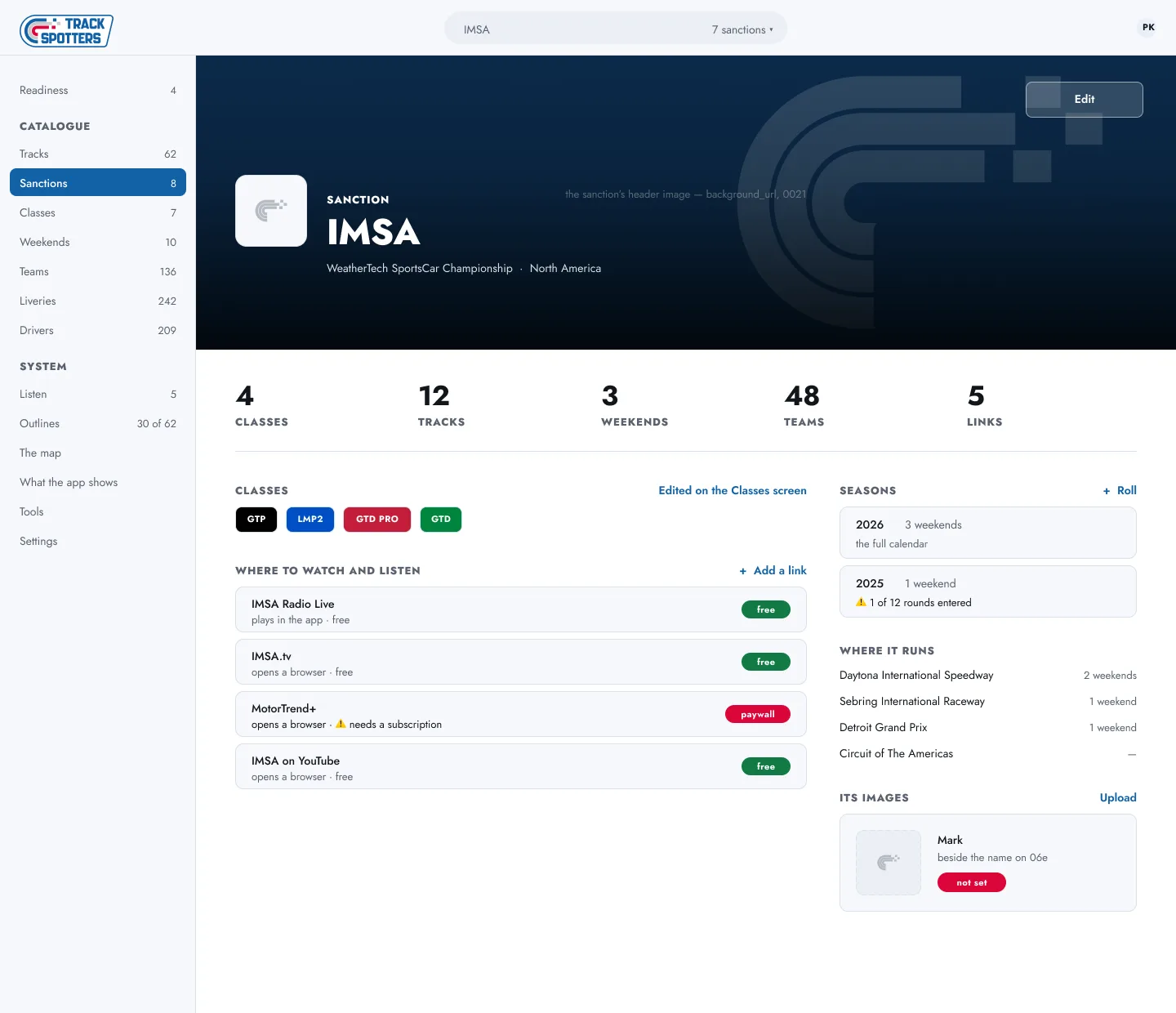
  4. HOW IT’S MADEDesigned in Figma, built natively in SwiftUI with Claude Code, with an admin that feeds tracks, teams and liveries.
  5. THE RESULTCurrently in development: one photo, many tags, so a whole weekend can be searched by track, session, team or driver.
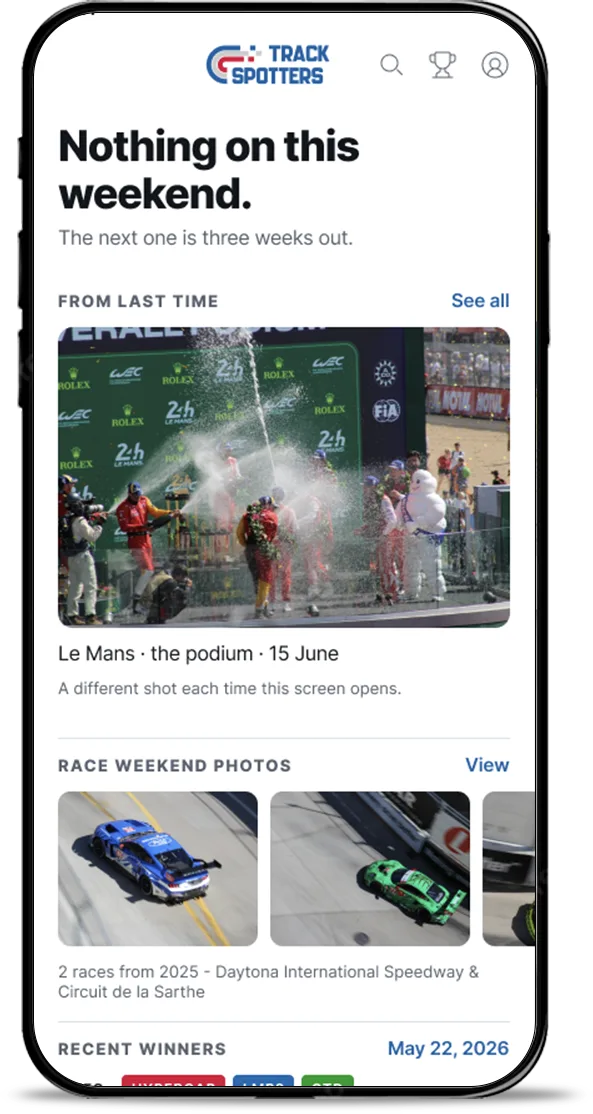
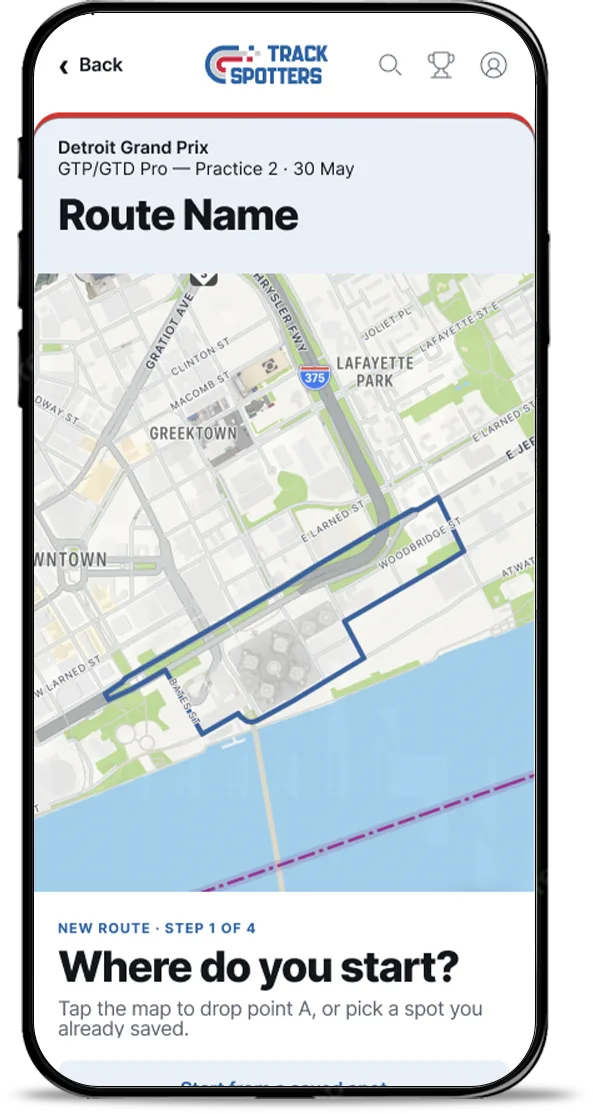
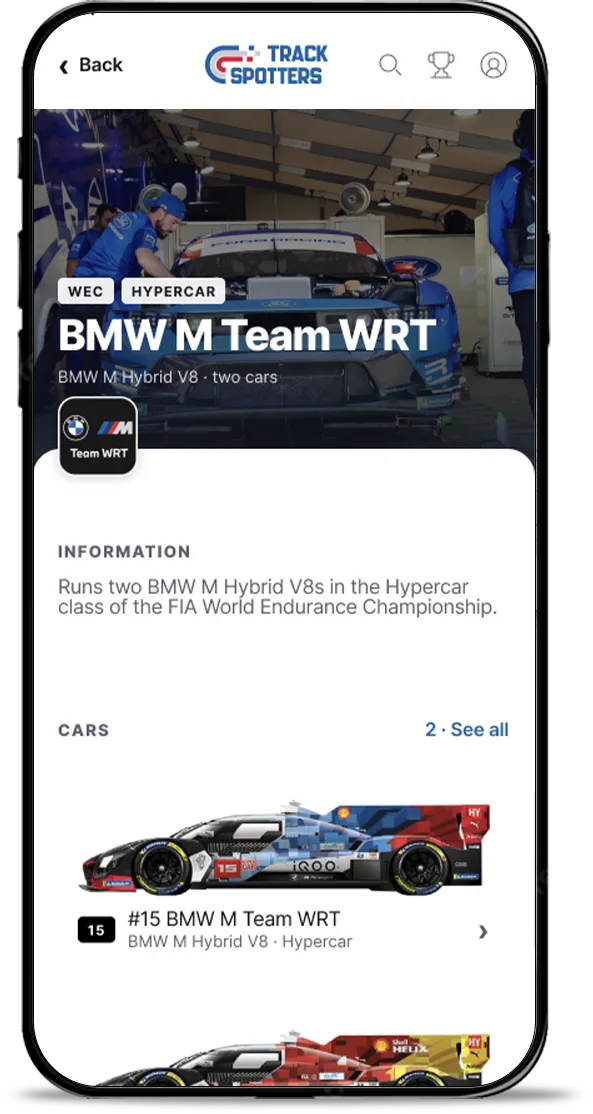
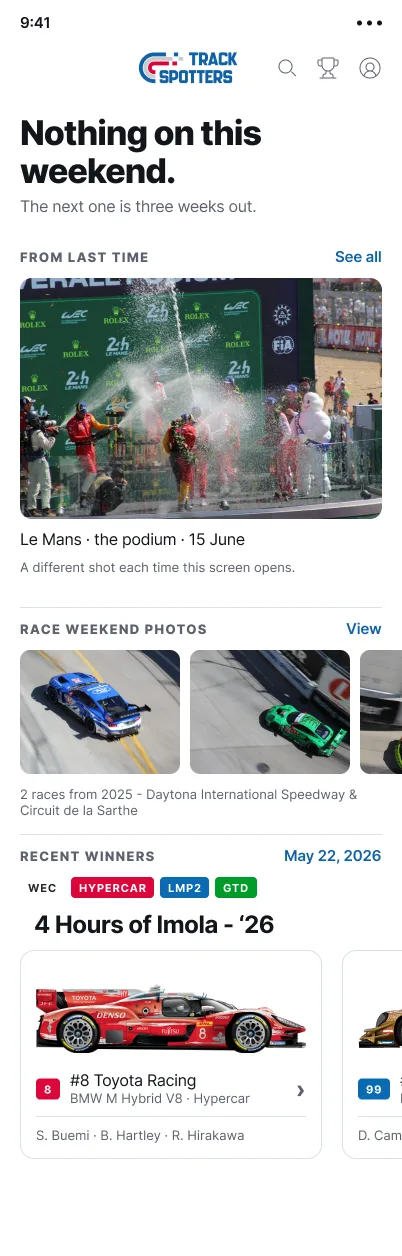
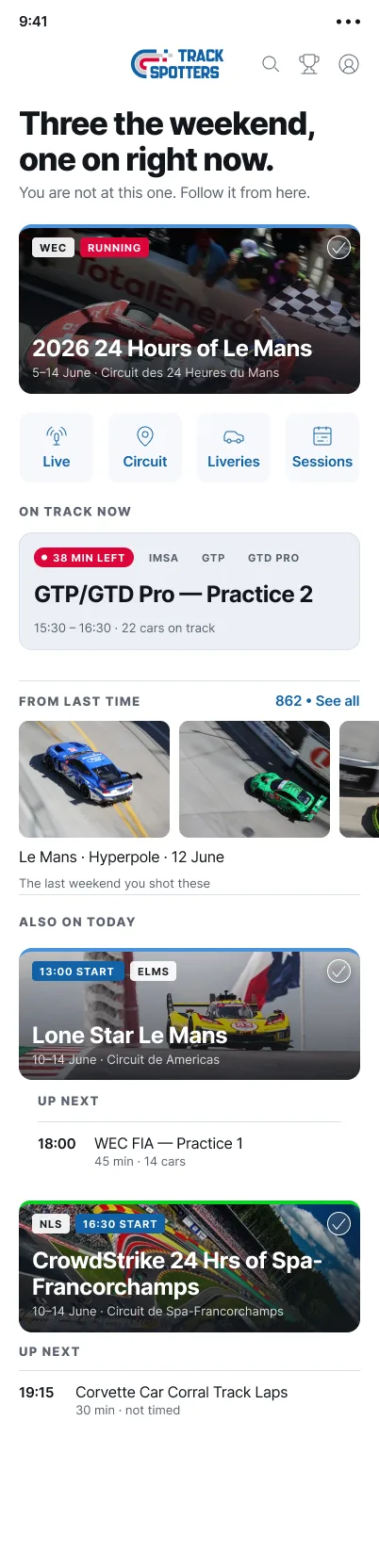
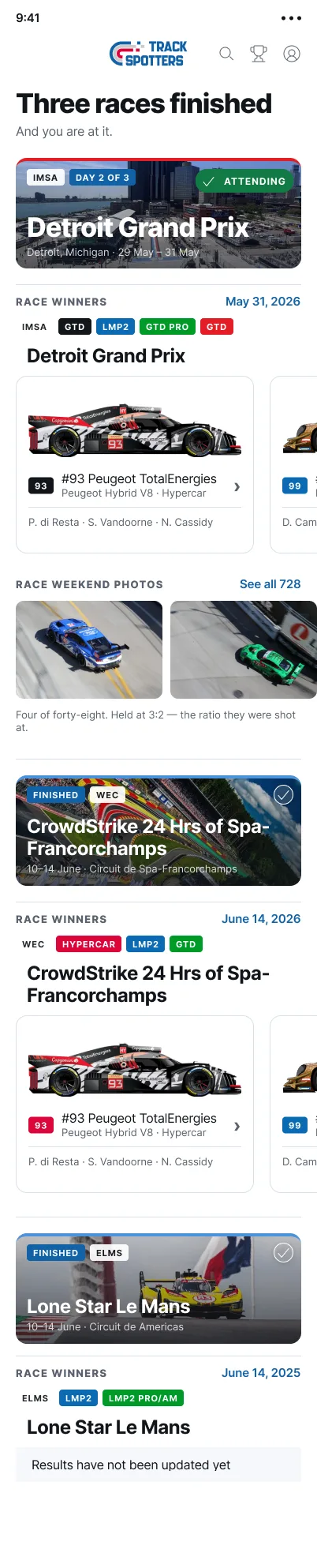
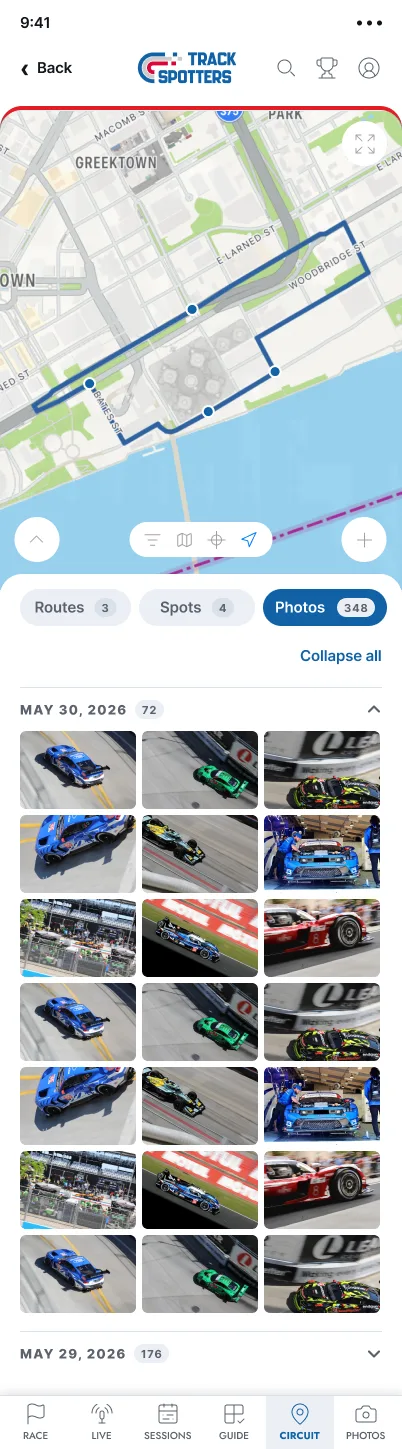
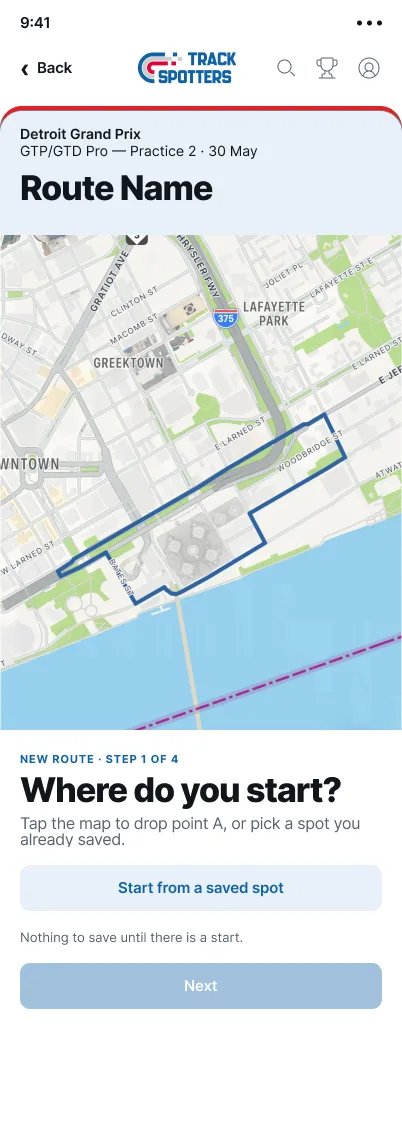
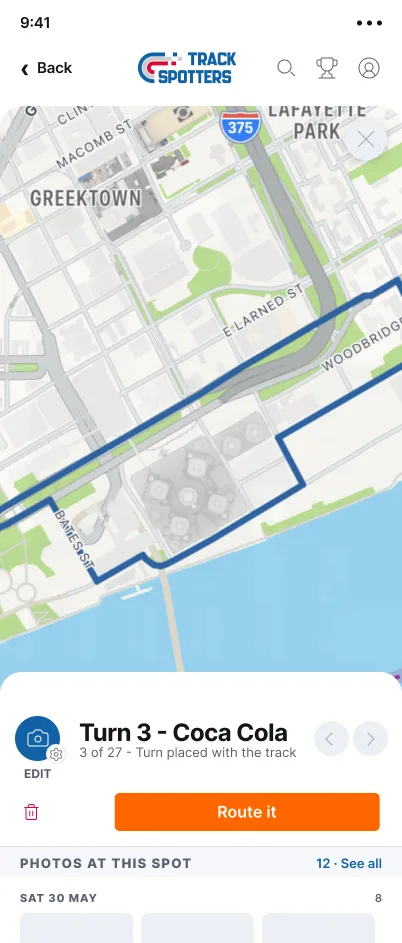
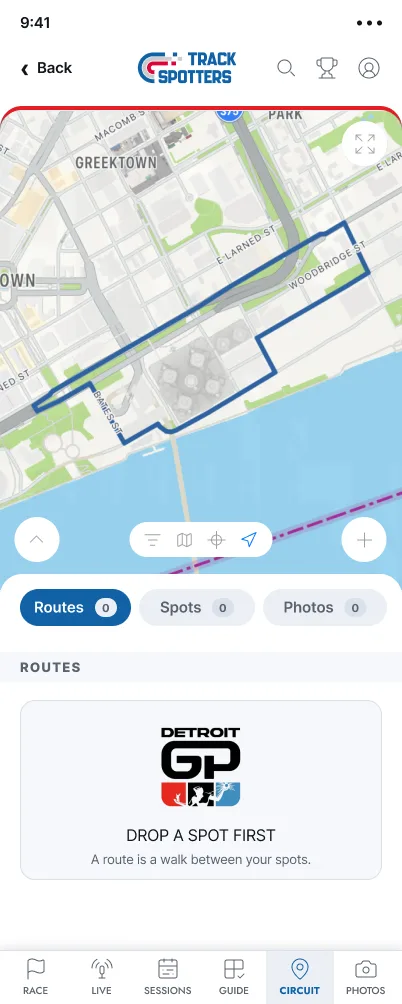
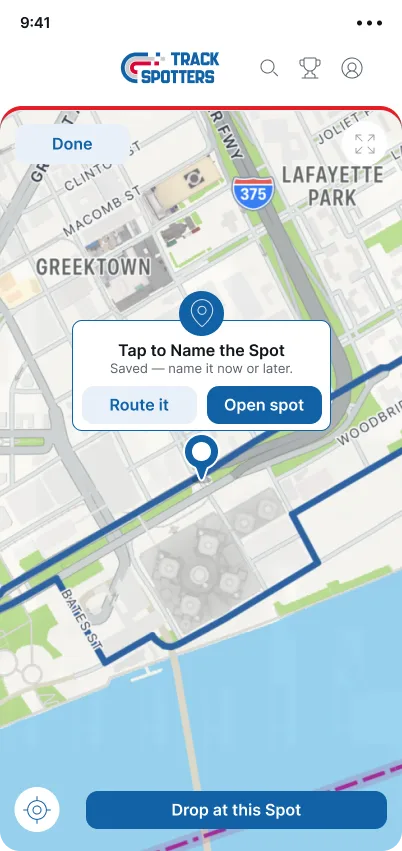
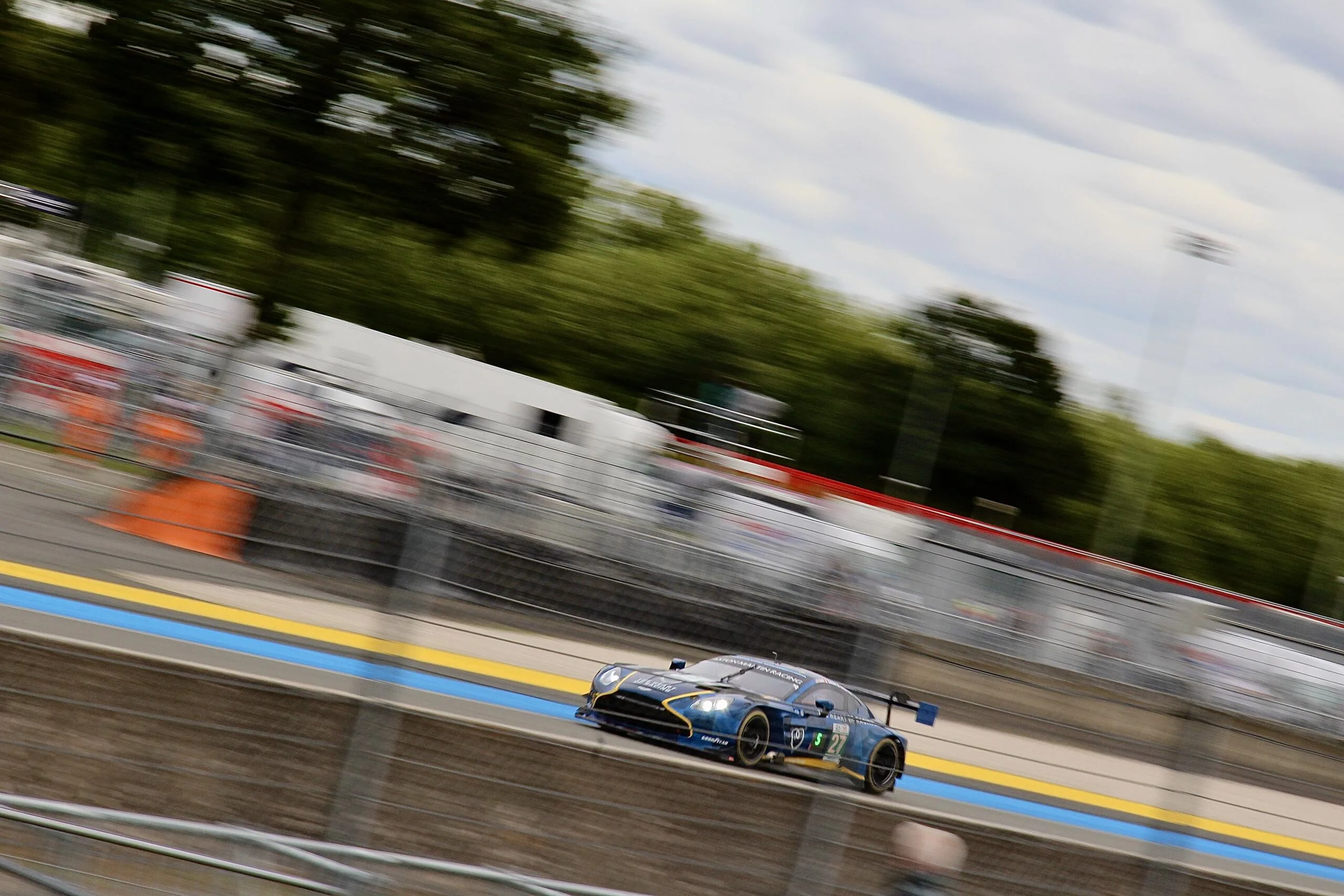
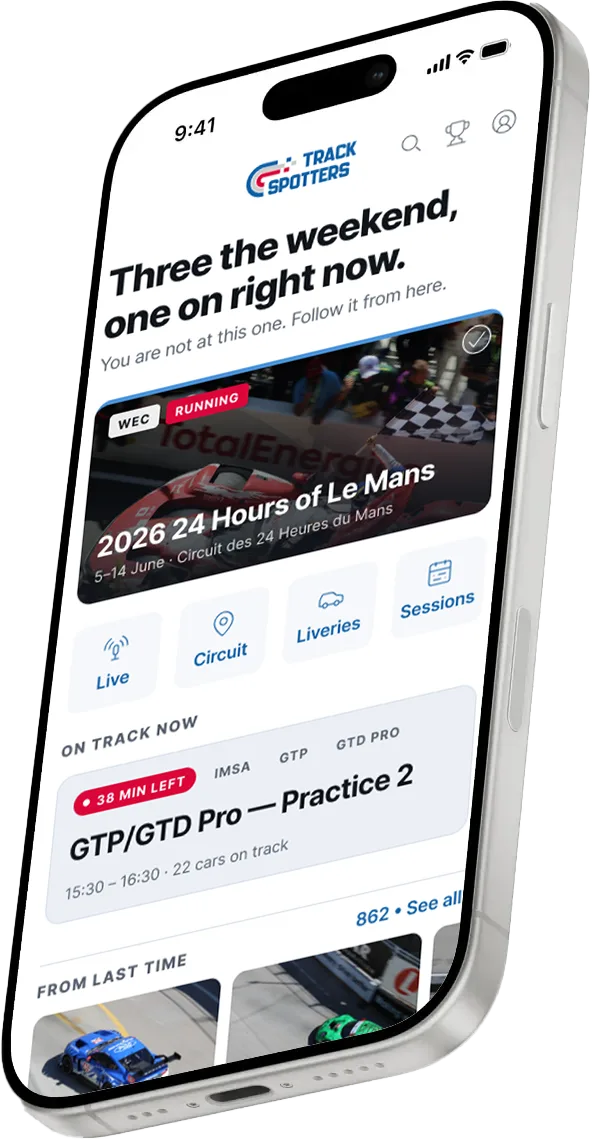
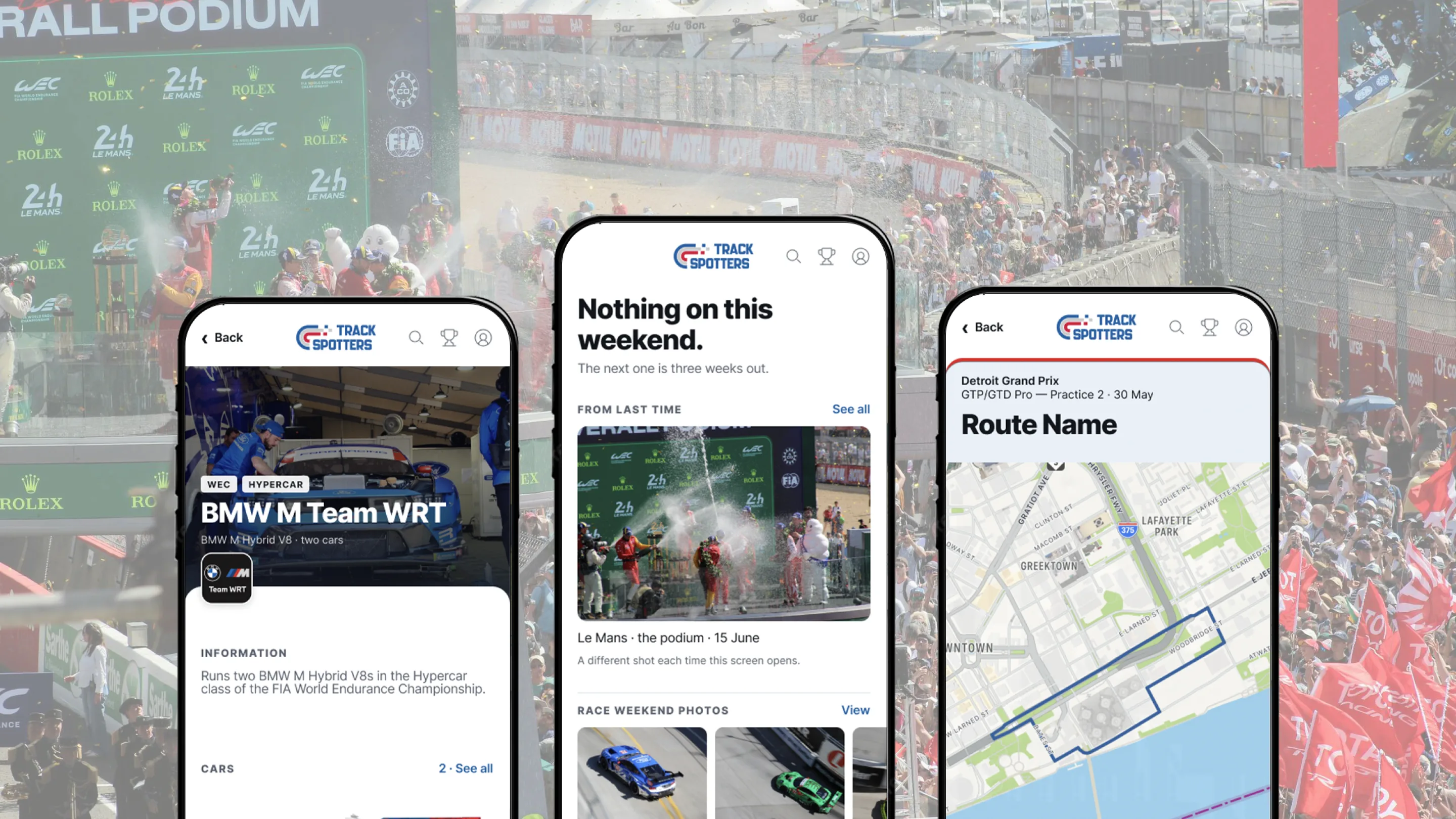
TrackSpotters — three app screens over the Le Mans podium

Problem

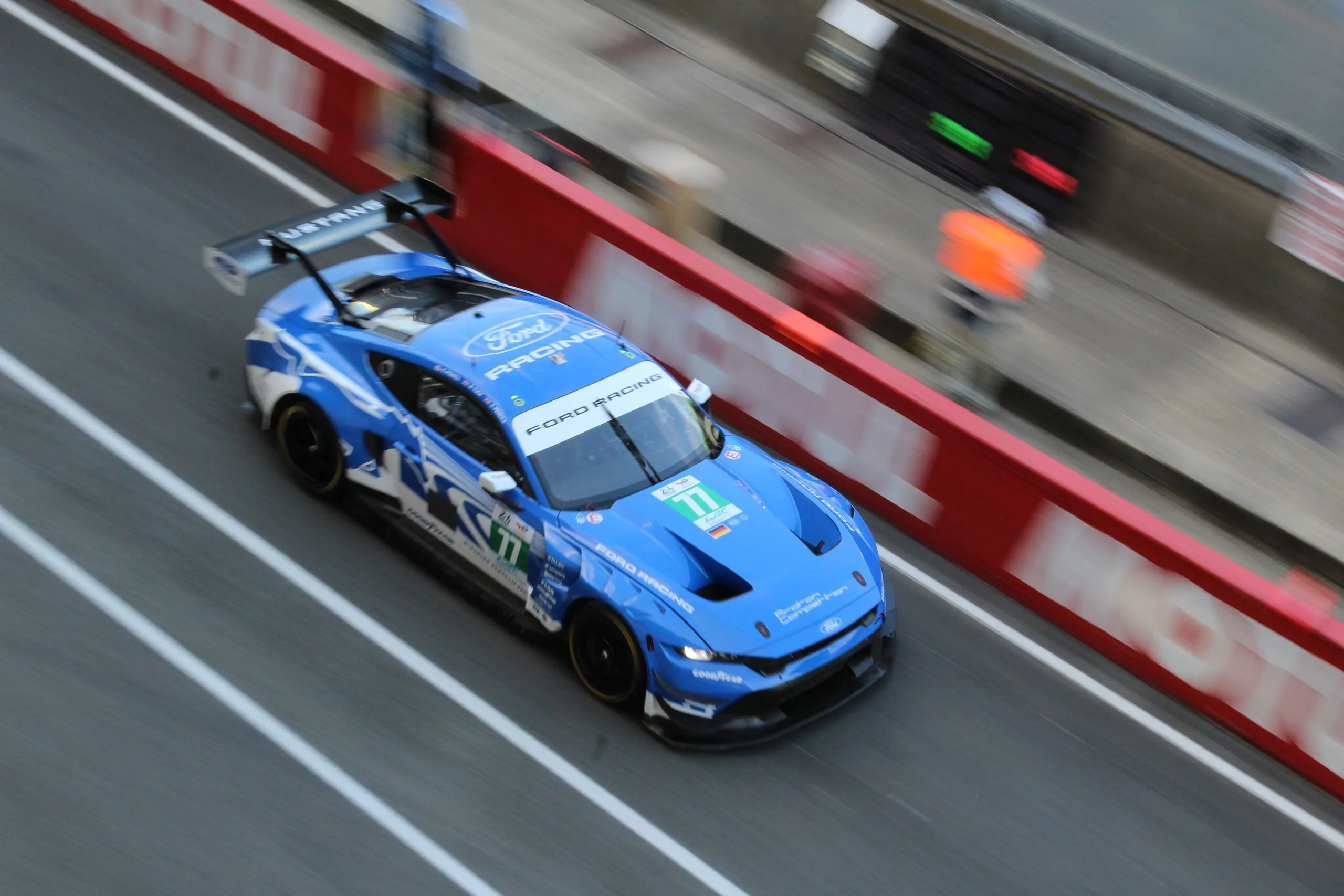
Motorsport photographers will take thousands of pictures over a weekend and not remember when, where or who was actually in the car when they took the picture. It just becomes a photo with no reason to go back to that spot on the track because they can’t remember last year.

Solution

I created this app to allow photographers the ability to upload photos to the app that allows them to catalog the pics based on track, race weekend, team and car. I built in a component, that when linked, can let the photographer know who was in the car on that specific shot. Including an ability to create a walkable route where they can pin locations to record the photos and view at any time.

Challenge

A racetrack is huge, the schedule is tight, and the photo you want is a ten-minute walk away. The app had to answer "where do I go next?" in a glance, with one hand, in the sun. Coming 2027.